You struggle to quantify the value of complex solutions
Turn your solution’s benefits into a customer-specific estimate based on the buyer’s scale, current costs and priorities.

Turn customer inputs into a clear estimate of savings, return or total cost of ownership. Choose a ready-built calculator, customise an existing application or develop a bespoke solution with personalised reports and CRM integration.
Turn your solution’s benefits into a customer-specific estimate based on the buyer’s scale, current costs and priorities.
Give sales a clear way to explain the potential business value and the assumptions behind it.
Use an agreed framework to develop calculators for different solutions, audiences and markets.
Capture the inputs and value drivers behind each submitted result, rather than contact details alone.
Give website and campaign visitors a useful interactive experience before they speak with sales.
Turn your existing financial model into a branded web application with results, reports and agreed integrations.
Help buyers understand your solution’s potential value and give sales a stronger basis for the conversation.
Use customer inputs to explain potential savings, return or total cost of ownership. Make the assumptions and calculation period understandable.
Give sales the buyer’s agreed inputs and value drivers so they can discuss the customer’s priorities and explore suitable options.
Help prospects explore value on your website and in campaigns. Capture agreed contact details and relevant context for follow-up.
Adapt an agreed model for different solutions, audiences, languages and currencies, with local review of the inputs and assumptions.
Keep assumptions, inputs and branding current. Track agreed starts, completions and enquiries to understand usage and improve the experience.
Match the depth of the model to the customer and the decision.
A focused website or campaign calculator with a few clear inputs and an understandable result.
A more detailed model for reviewing assumptions, comparing options and discussing value with the customer.
Connect identified gaps or requirements with a calculator. For a fuller investment justification, explore Business Case Generator.
Choose the measures that help your customer evaluate the solution. Your value model determines what is included.
Compare estimated net benefit with investment over an agreed period.
Compare the full costs of the current approach and alternatives over the same period.
Show potential changes in operating, infrastructure, service or other relevant costs.
Estimate time released and its potential value, separately from actual cash savings.
Estimate when cumulative benefits recover the investment, using an explicit timing model.
Explore a potential revenue effect using customer-relevant inputs and transparent assumptions.
See the customer journey, then explore how an optional AI guide can support it.
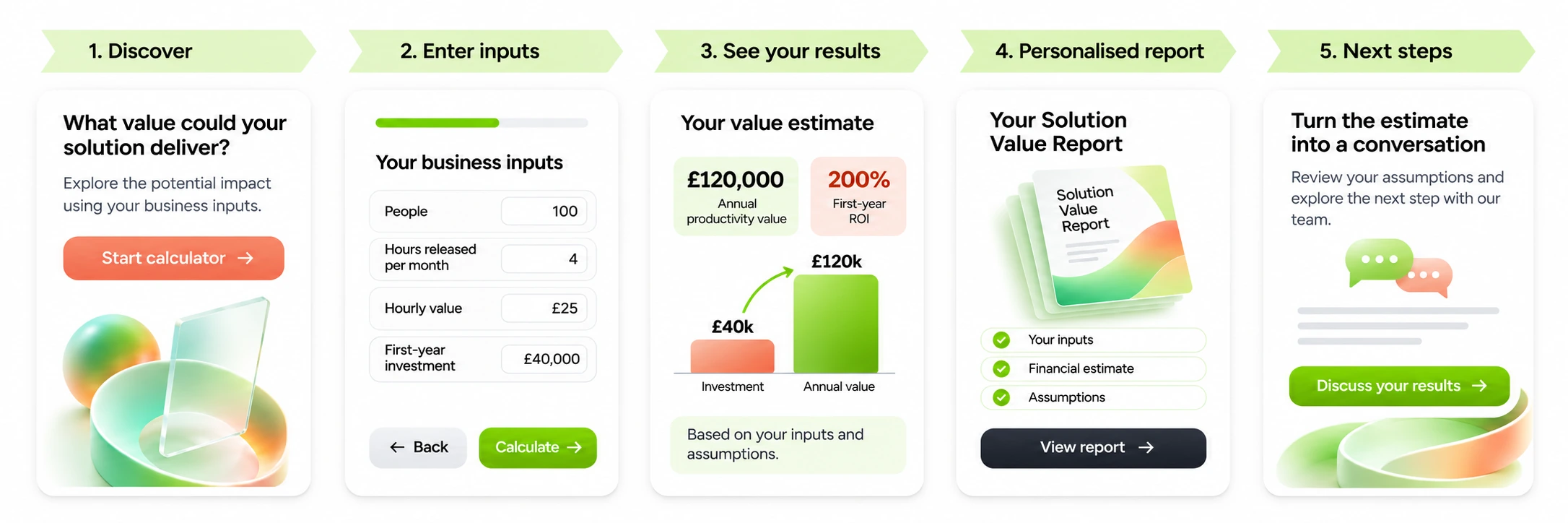
Adjust the costs to see the return, with a guide to help interpret it.
Annual savings £120,000
First-year net benefit £80,000
Annual savings are current annual cost less the cost with the solution. First-year net benefit is annual savings less the one-off investment. ROI is first-year net benefit divided by the investment. Enter costs on the same basis, including relevant recurring costs. Estimates depend on your inputs.
Create a branded calculator that turns customer inputs into understandable financial estimates and useful sales context.
Managed network services for multi-site businesses.
|Annual savings £120,000
Define customer inputs, defaults and adjustable assumptions around the approved model.
Include ROI, savings, TCO or payback where supported by the model.
Explore alternative options or conservative and expected assumptions.
Provide a branded summary with the result, inputs and calculation basis.
Adapt the landing experience, calculator, results and report to your identity.
Agree which fields to collect and when the form should appear.
Connect agreed lead details, inputs, results and reports to your workflow.
Track starts, completions and enquiry events that matter to your team.
Scope the required markets, local inputs and translated content.
Agree website embedding, a standalone application or bespoke hosting.
Share your solution details, audience, existing spreadsheet and supporting research. Agree the decision the calculator should help buyers make.
Use the built-in AI automated workflow to create your calculator. Review and customise the inputs, calculations, design and report before publishing.
Work with our team on the model, content, configuration, design, testing and launch.
Commission an application around your value framework, specialist workflows, hosting and integration requirements.
Put submitted customer context where your teams already work.


Customer records with useful context


Relevant nurture and follow-up


Insights for consultative selling
Connections built around your needs
APIs, webhooks and supported connectors. Integration feasibility, data mapping and consent are agreed with your team.
Explore how customer-specific calculators support clearer value conversations.
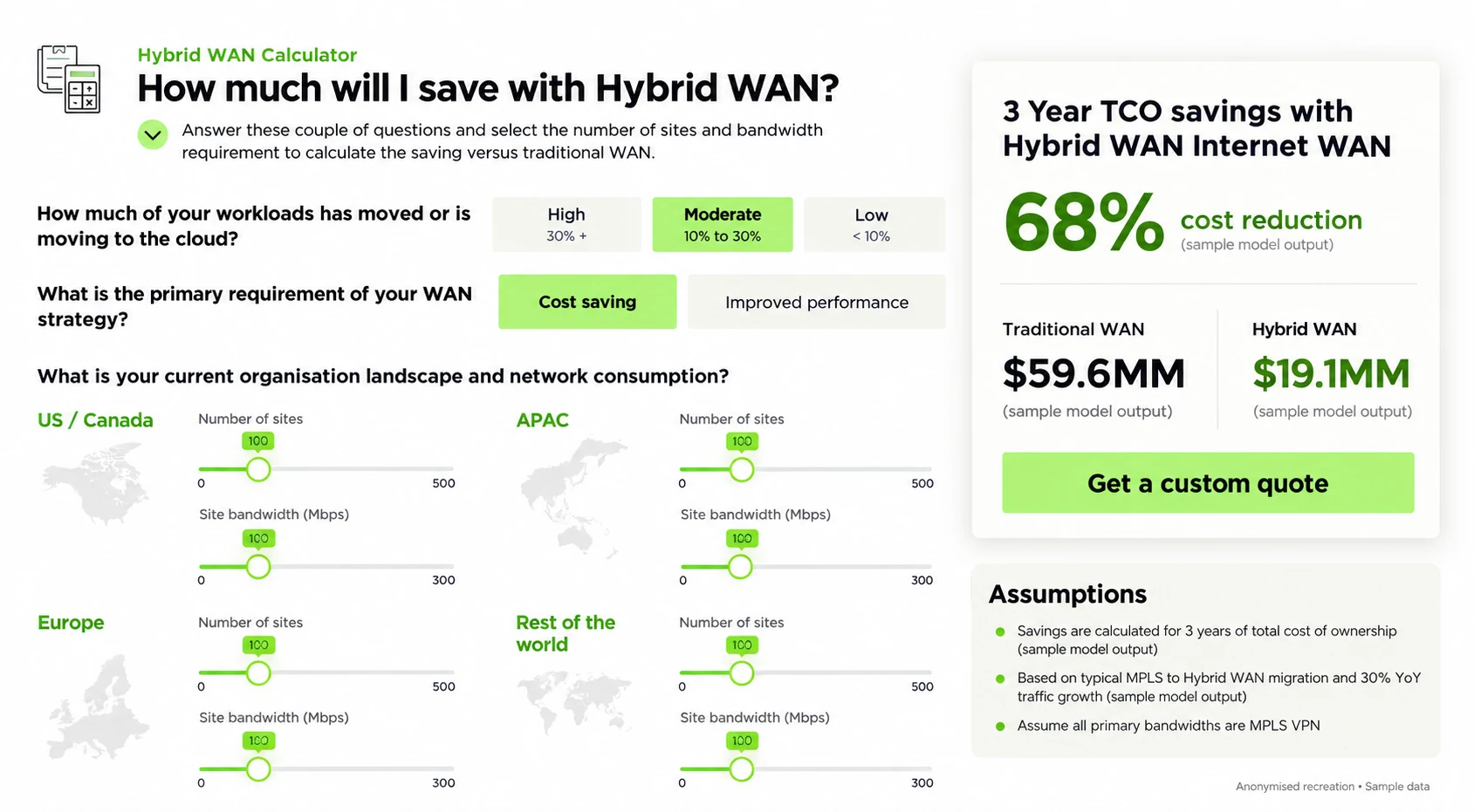
Compare network costs using the customer’s sites, locations and bandwidth requirements.
Read case study →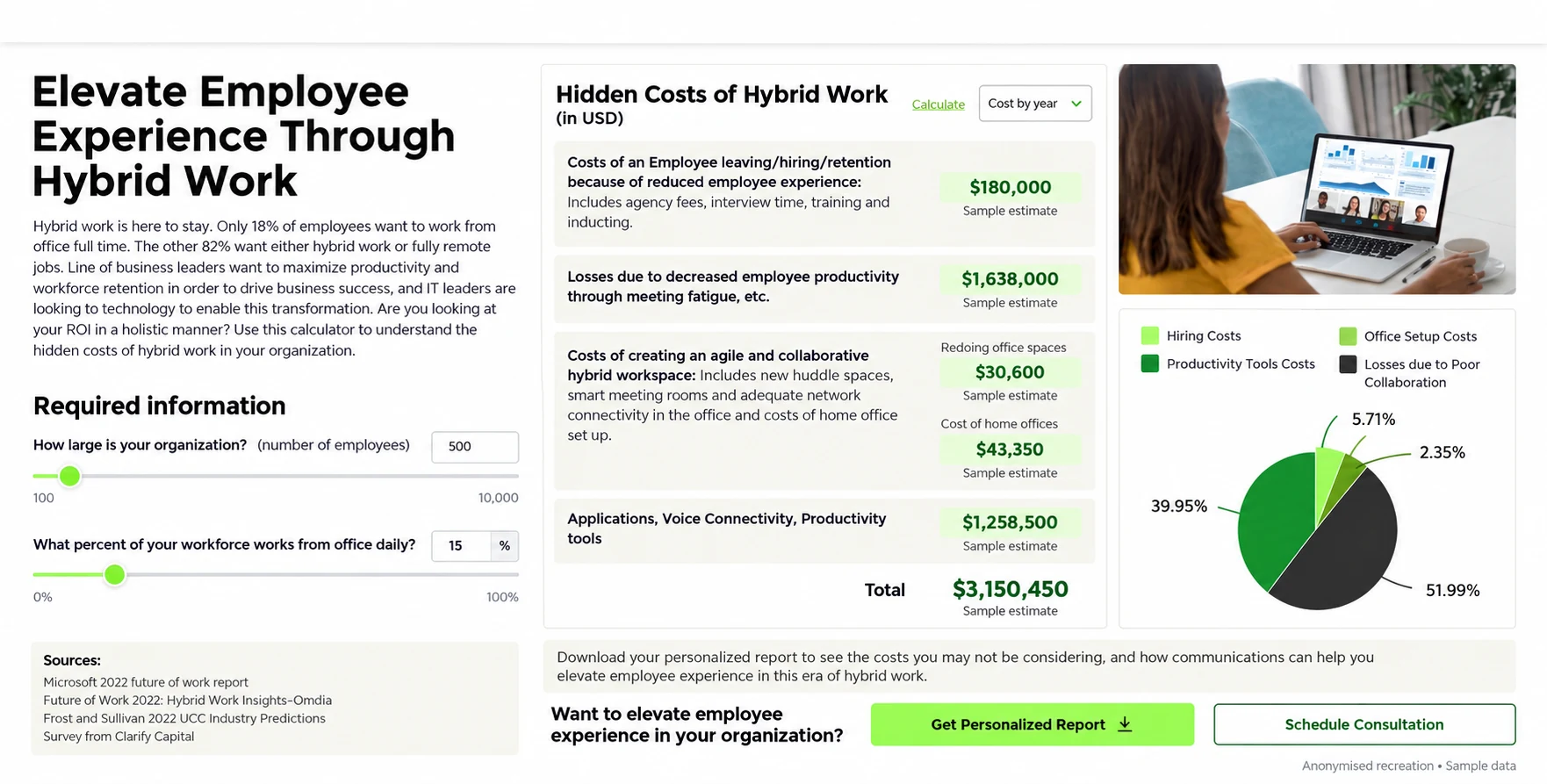
Explore workforce-related costs across retention, productivity and collaboration.
Read case study →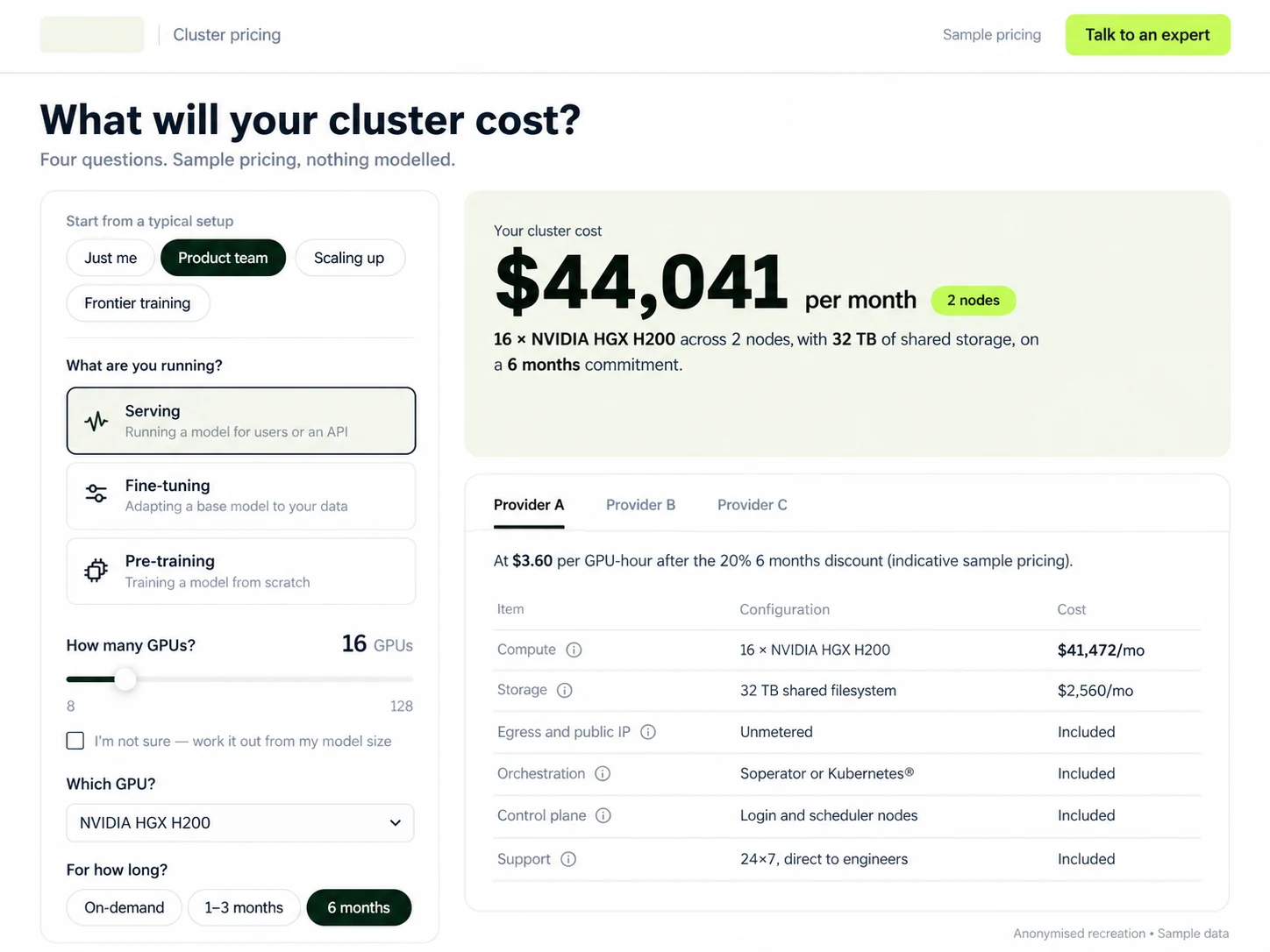
Bring pricing, total cost and useful output into a more informed infrastructure discussion.
Read case study →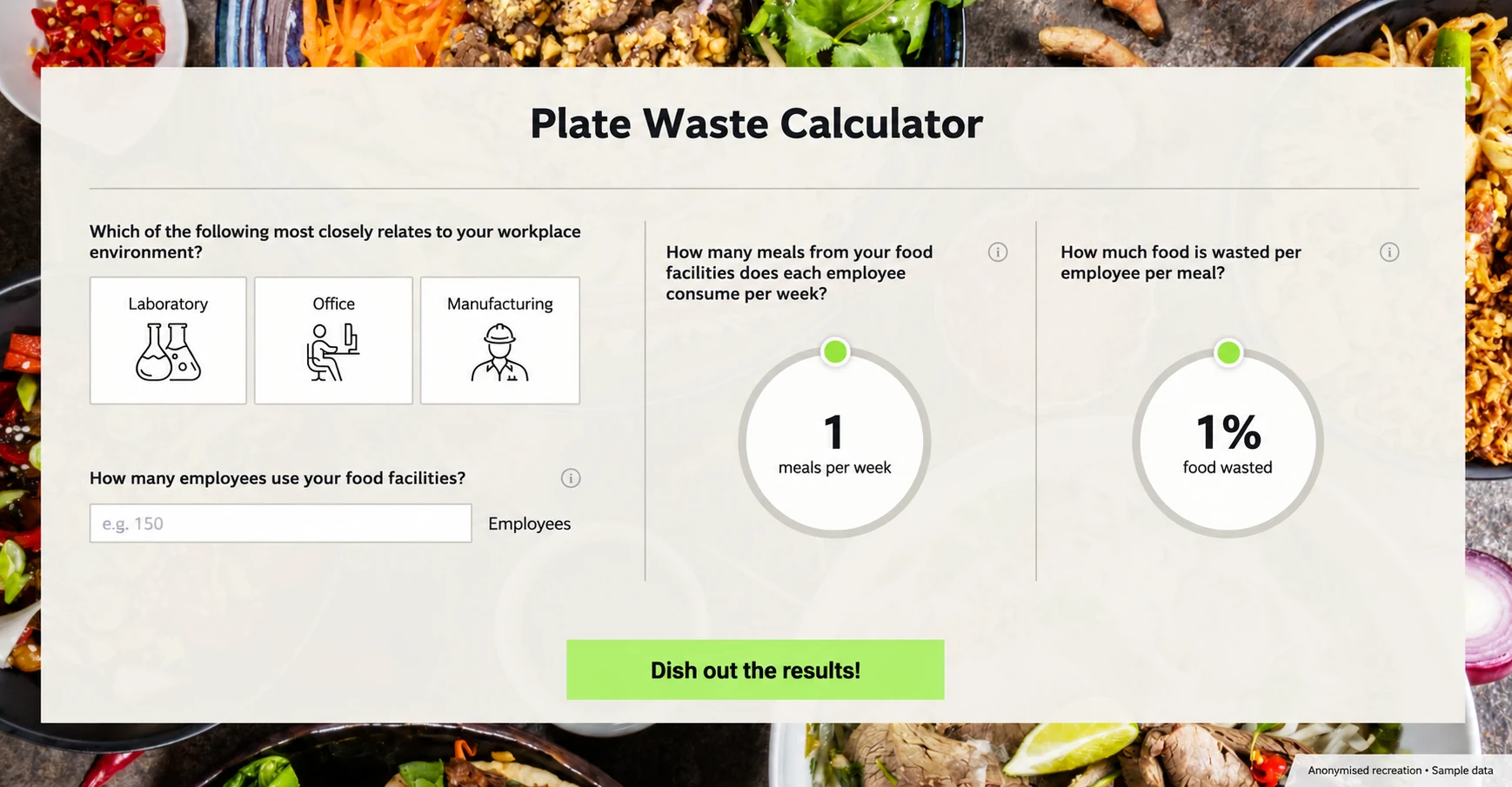
Translate workplace food waste into an estimate customers can understand and discuss.
Read case study →ClearView’s ROI Calculator was a game-changer for our SD-WAN campaign. We built a custom calculator in minutes, something I thought would’ve taken months. It’s now our key lead magnet on our website and digital campaigns, drawing in qualified prospects.
Delivered applications across networks, cloud, collaboration, workplace and other enterprise solutions.
Work with our team across the value framework, UX, design, development, deployment and integration.
Use AI assistance to help create and personalise the experience, with your experts approving the model and claims.
Agree branding, products, markets, hosting and system connections for the application you need.
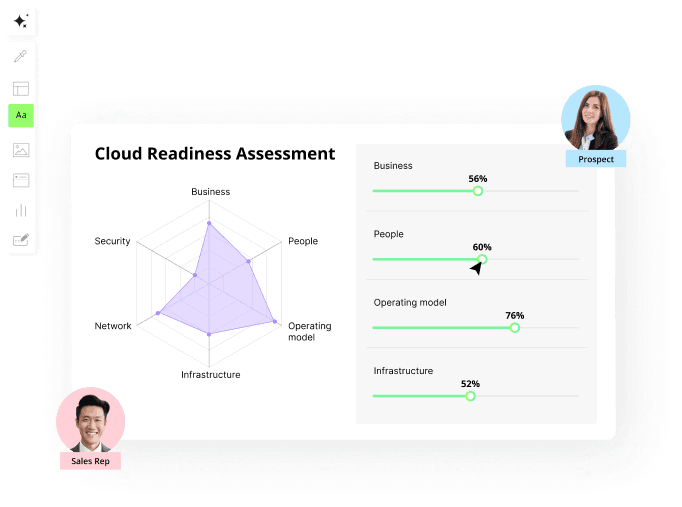
Identify readiness and gaps before exploring the next step.
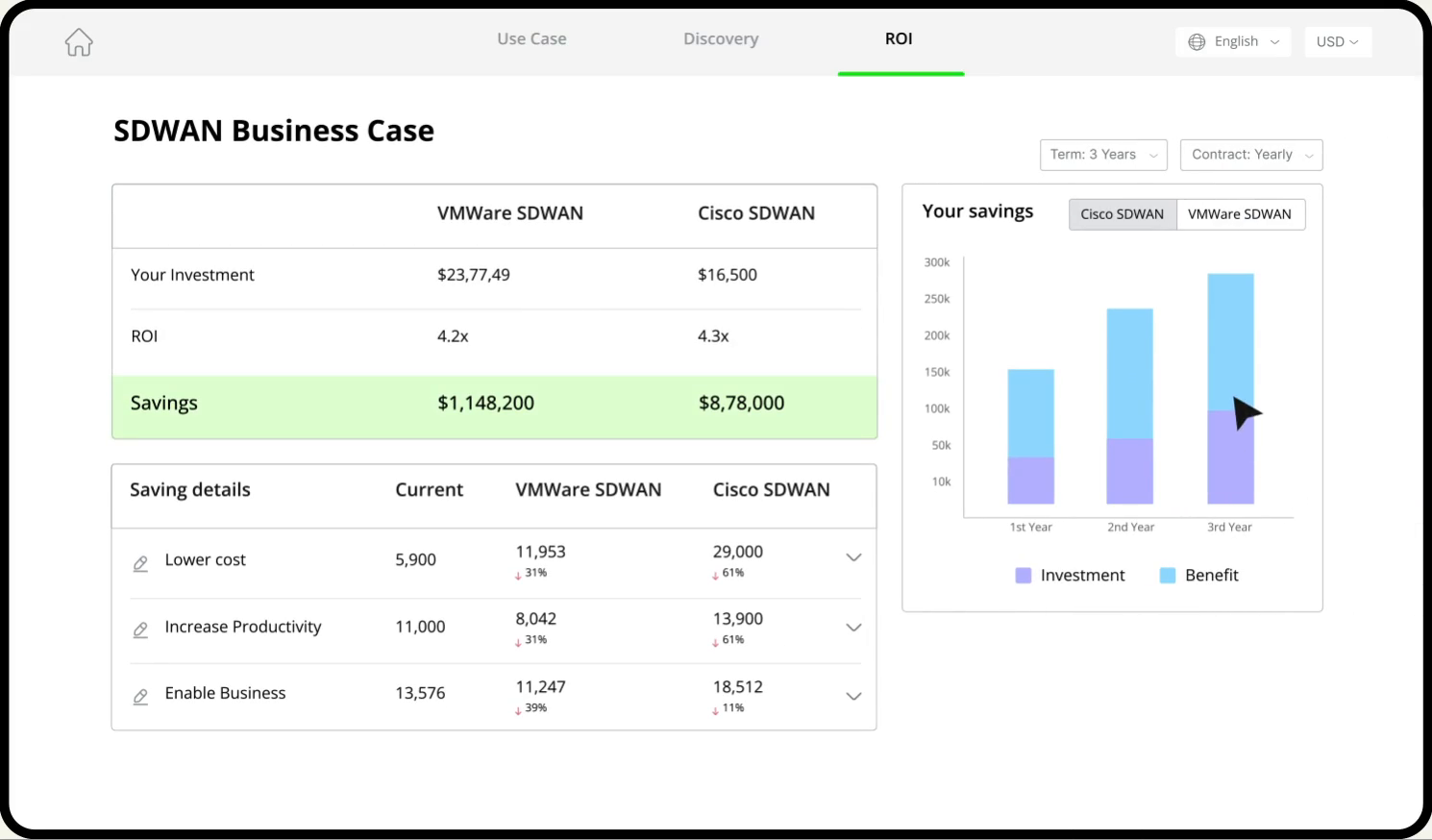
Compare options and build a shareable investment case.

Match needs to suitable products, services or bundles.
A B2B ROI calculator helps buyers estimate the financial value of your solution using their own figures. It can show potential savings, return on investment and payback, depending on the calculations included.
ROI shows the return on an investment. Total cost of ownership (TCO) shows what an option costs over a set period, including relevant setup and running costs. A calculator can compare both.
Yes. We can turn your Excel model into a branded online calculator. We review the inputs and formulas with your team, then build the calculator, results screen and downloadable report.
We work with your product, finance or subject experts to review the costs, benefits, assumptions and sources. We test the calculations against agreed examples. Your team approves the model before launch. If you do not have a finished model, we can help develop it.
Yes. Buyers can change the inputs you make available and compare the results. We can include comparisons between products, the current approach and a proposed solution, or conservative and expected scenarios. Your team controls the underlying formulas.
The calculator should show a negative return when the costs exceed the estimated benefits over the selected period. It should explain the result and let buyers review the inputs. If the investment is not recovered within that period, the calculator should show that too.
We can include an admin area for agreed changes, such as prices, default values, assumptions and content. Your team can update those items without rebuilding the application. New calculation logic or major workflow changes may need development. We agree which items your team can manage when defining the application.
Yes. We can connect an assessment to the calculator so relevant answers and identified gaps inform the calculation. We agree how those inputs affect the financial model. A maturity score alone is not a financial benefit.
Yes. We can create a branded report showing their inputs, estimated results and the assumptions used. It gives buyers a useful summary to share with colleagues.
Yes. We can embed it on your website or build a standalone application. We can also send agreed lead details and results to your CRM or marketing tools, using a suitable integration.
An AI guide can explain inputs, clarify the results and suggest what to review next. The financial calculations follow your approved formulas. AI does not need to decide or change the calculation rules.
No. Results are estimates based on the figures entered and the assumptions used. We explain how they are calculated and distinguish potential productivity improvements from cash savings.
Tell us about your solution, your buyers and the value you want to demonstrate.