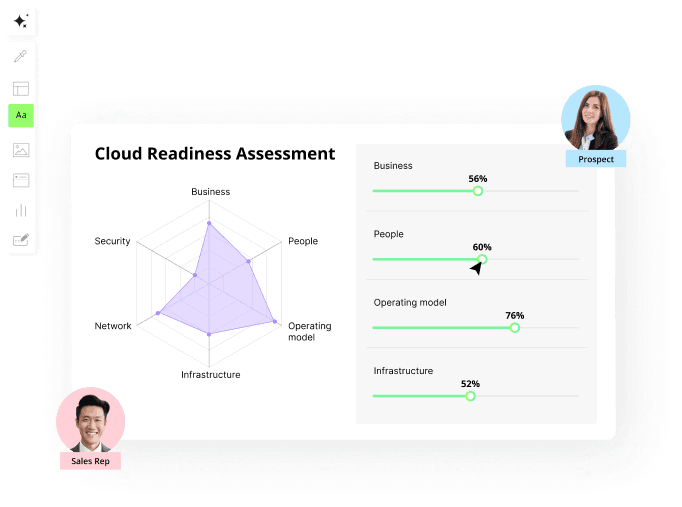
Buyers struggle to see how your solution works
Explain the components and connections visually, rather than relying on a product list or a long description.

Show customers how your solution would work in their business. Compare their current situation with the proposed approach, explore configurations and explain the changes in a clear visual design.
Explain the components and connections visually, rather than relying on a product list or a long description.
Give sales a consistent starting point and involve technical specialists where their judgement is needed.
Help customers explore relevant configurations, see what changes and carry the discussion into the next step.
Show how a solution could address the customer’s needs.
Bring requirements and the relevant components together.
Review components, assumptions and open technical questions.
Use the reviewed design to support pricing, a proposal or handover.

 Policy Operations

Requested change: Send missing policy records to Policy Operations for review.
Bring requirements, visual explanation and the next workflow into one application.
Generate from your solution material. Review and customise the design.
Start with a brief, selected products, customer inputs or existing material.
Use icons and component information relevant to your portfolio.
Create a visual starting point from agreed inputs and reference material.
Adapt the diagram and explanation to the customer’s situation.
Show how the parts connect and what each contributes.
Make assumptions and open questions visible for your specialists.
Agree the PDF, summary and editable outputs needed for handover.
Connect component choices to your pricing model where required.
Pass agreed requirements and outputs into CRM or the next application.
Agree embedding, hosting, access and the interactions to measure.
Define the customer inputs and any connection to a pricing calculator. Agree what the diagram must explain and how choices affect the commercial model.
Use the built-in AI workflow to help create your design application from solution information and reference material. Review and customise the component library, diagrams and outputs before publishing.
Work with our team on the framework, UX, component library, design, testing and launch.
Build around your portfolio, configuration rules, hosting environment and system connections.
Keep customer requirements and chosen components with the diagram.
Customer requirements
Components and relationships
Diagram and review points


Requirements and useful sales context.
Reviewed components and agreed commercial rules.


Relevant follow-up using agreed information.
The diagram, assumptions and next actions in the right workflow.
APIs, webhooks and supported connectors. We agree feasibility, field mapping, access and consent for each connection.
Explore how guided discovery helps customers choose the right approach before developing the solution design.
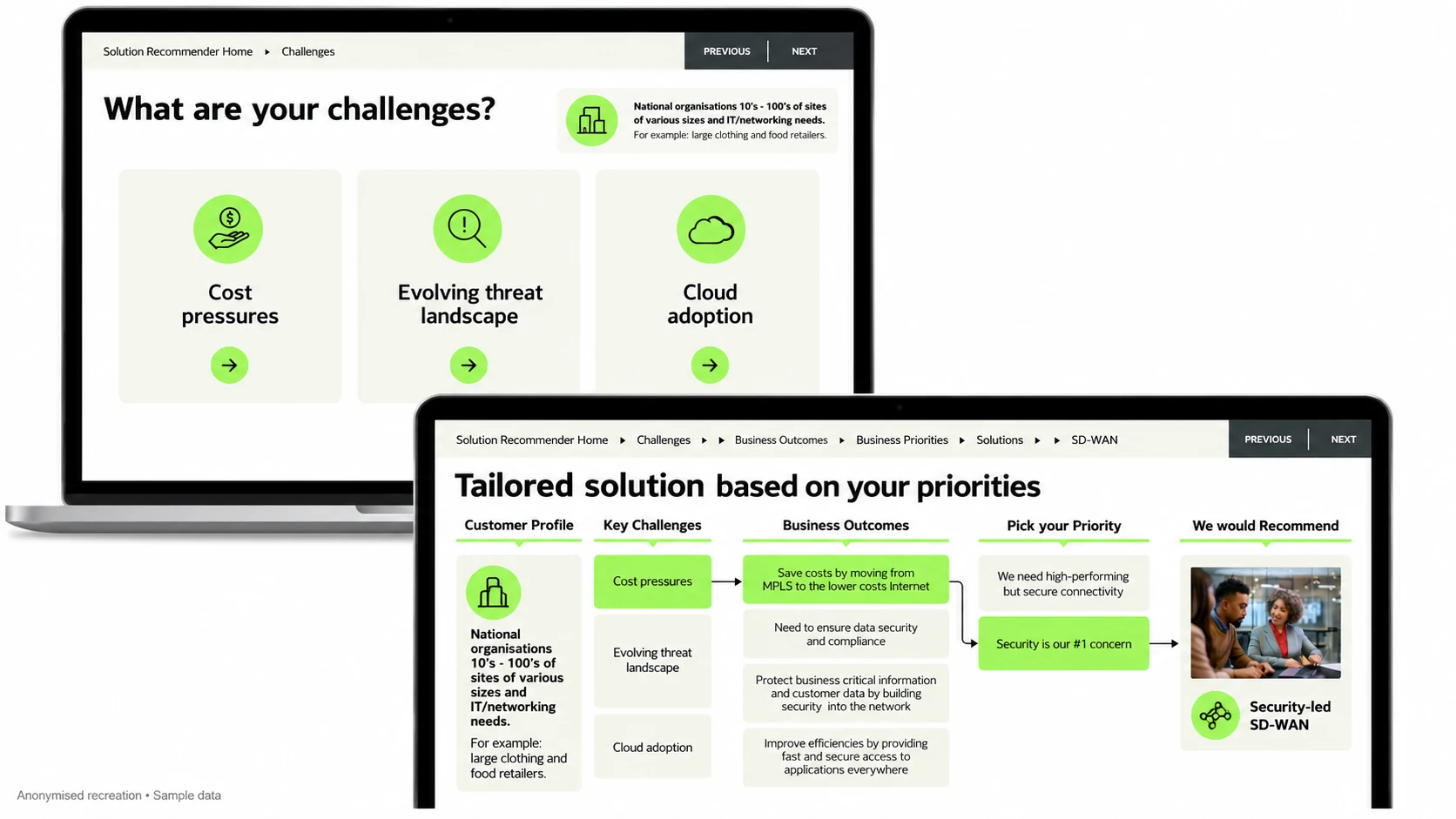
A guided journey across three partner-led approaches, with the customer’s network profile and priorities visible in the recommendation.
Read case study →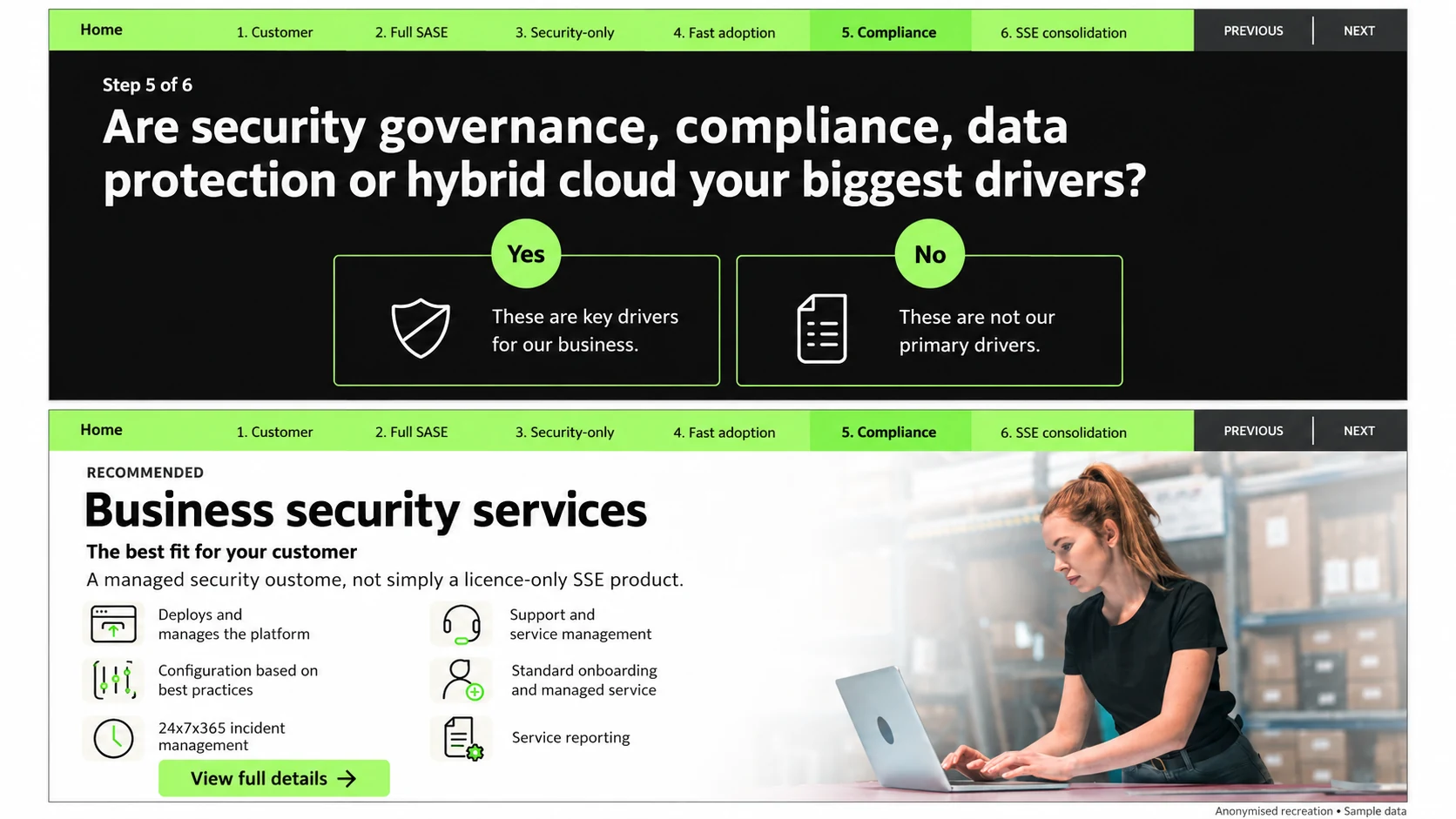
A discovery tool that explains the fit between security and networking requirements, operating models and relevant approaches.
Read case study →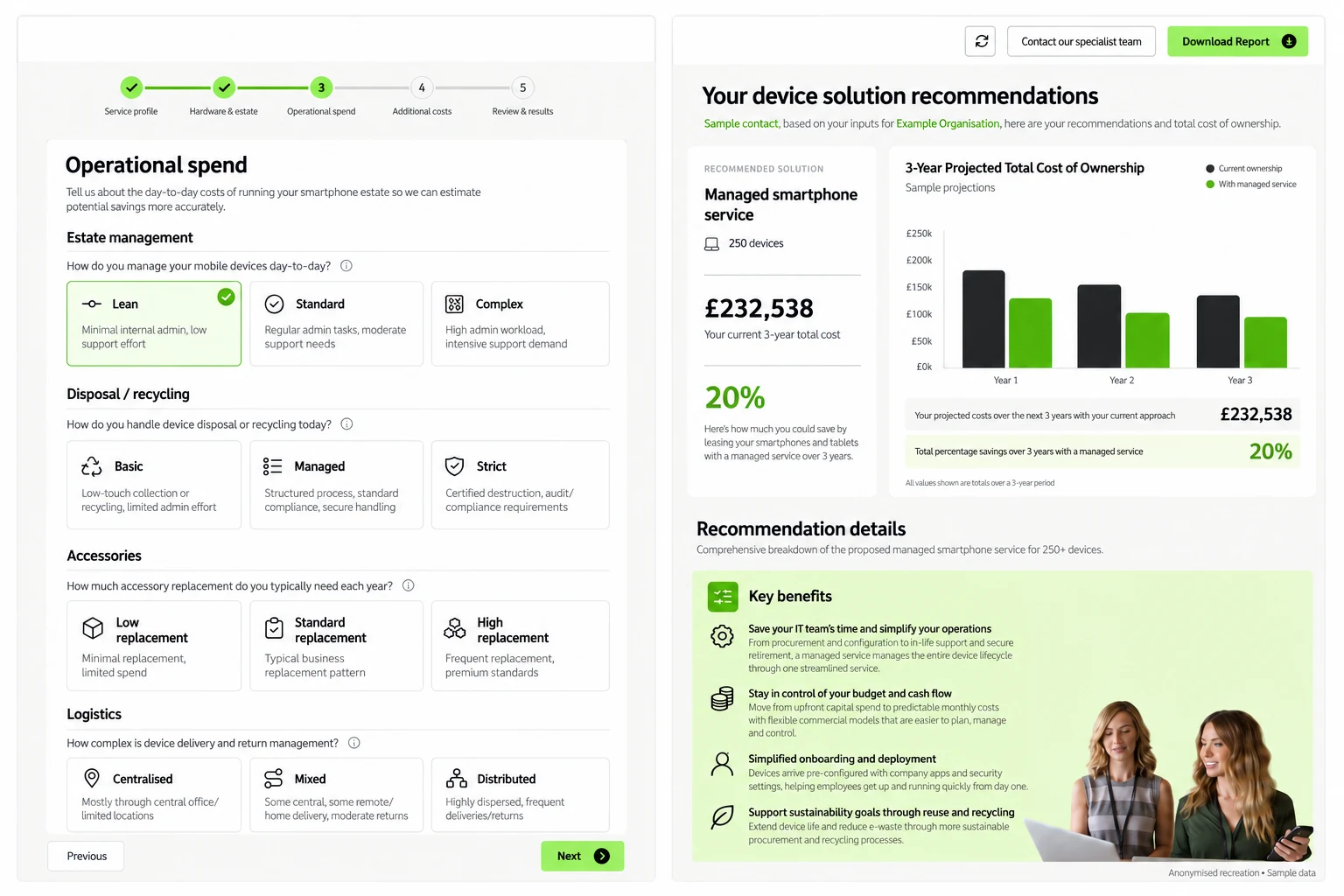
A device-services journey combining requirements, support needs, complementary services and a three-year TCO comparison.
Read case study →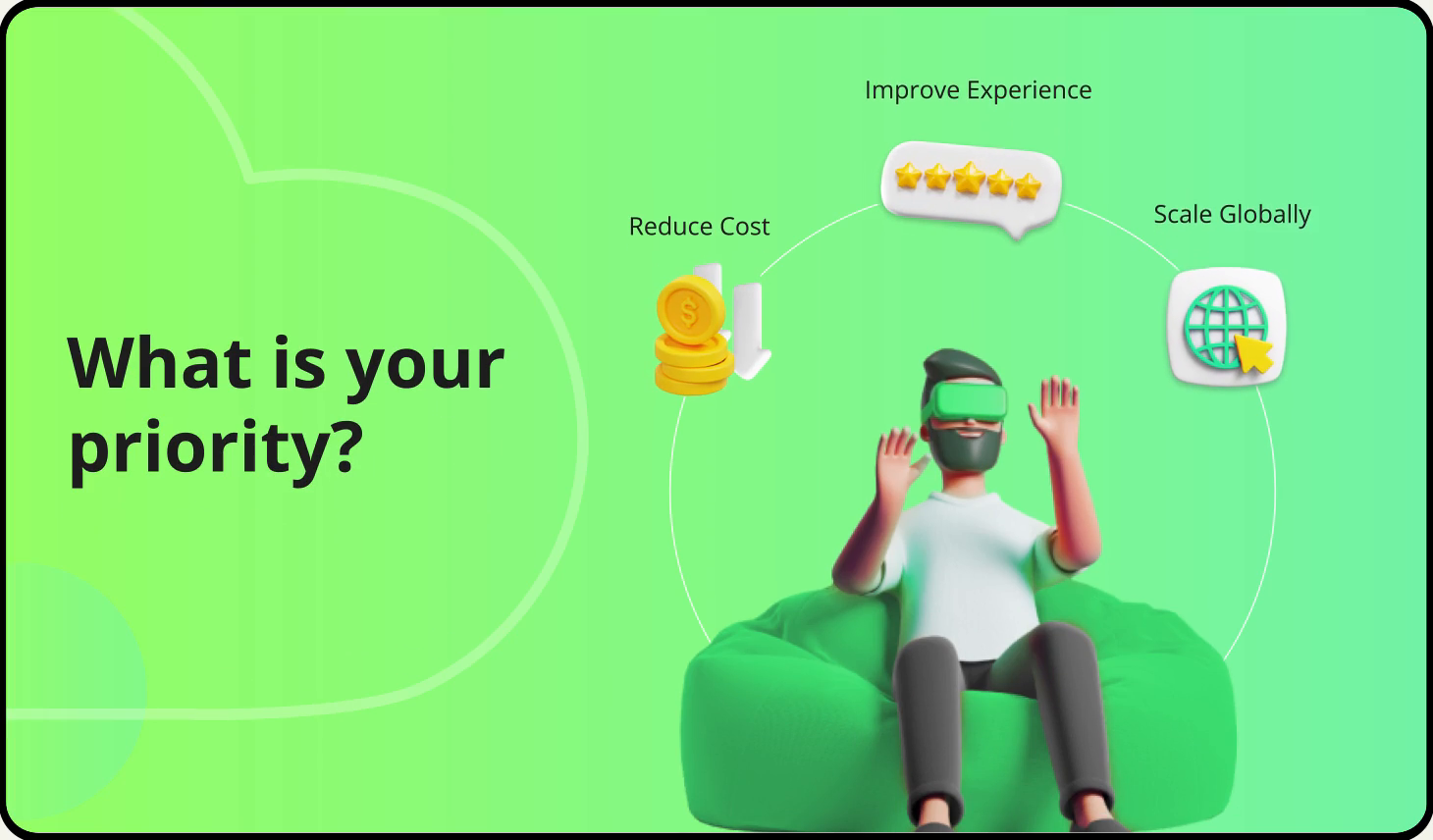
Establish which product, service or bundle fits the customer’s needs before developing the design.
Explore Solution Recommender →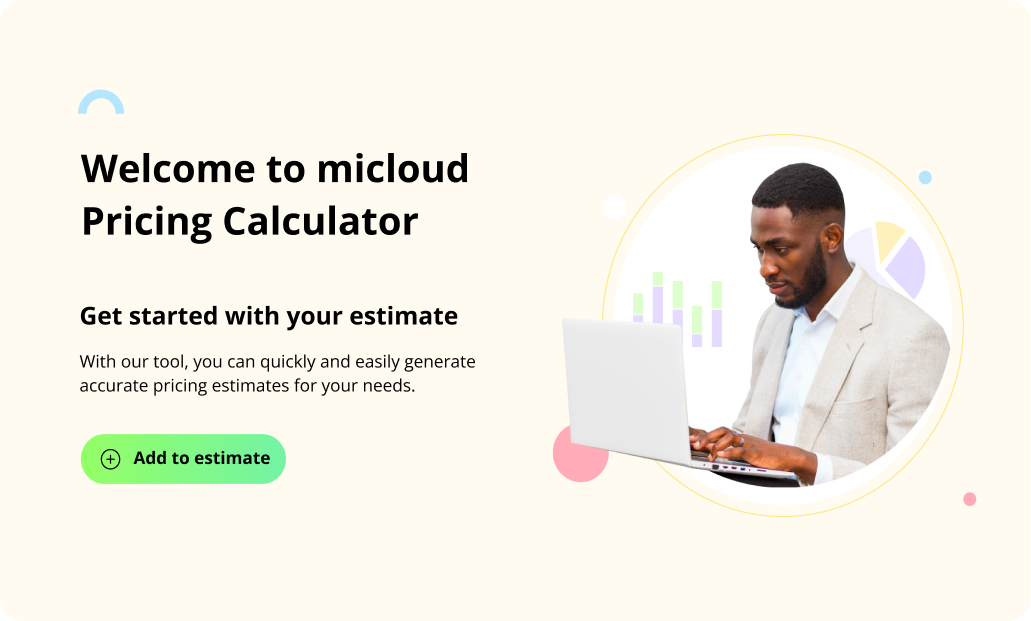
Use reviewed requirements and components to prepare the commercial response, proposal and statement of work.
Explore Pricing, Proposals & SOWs →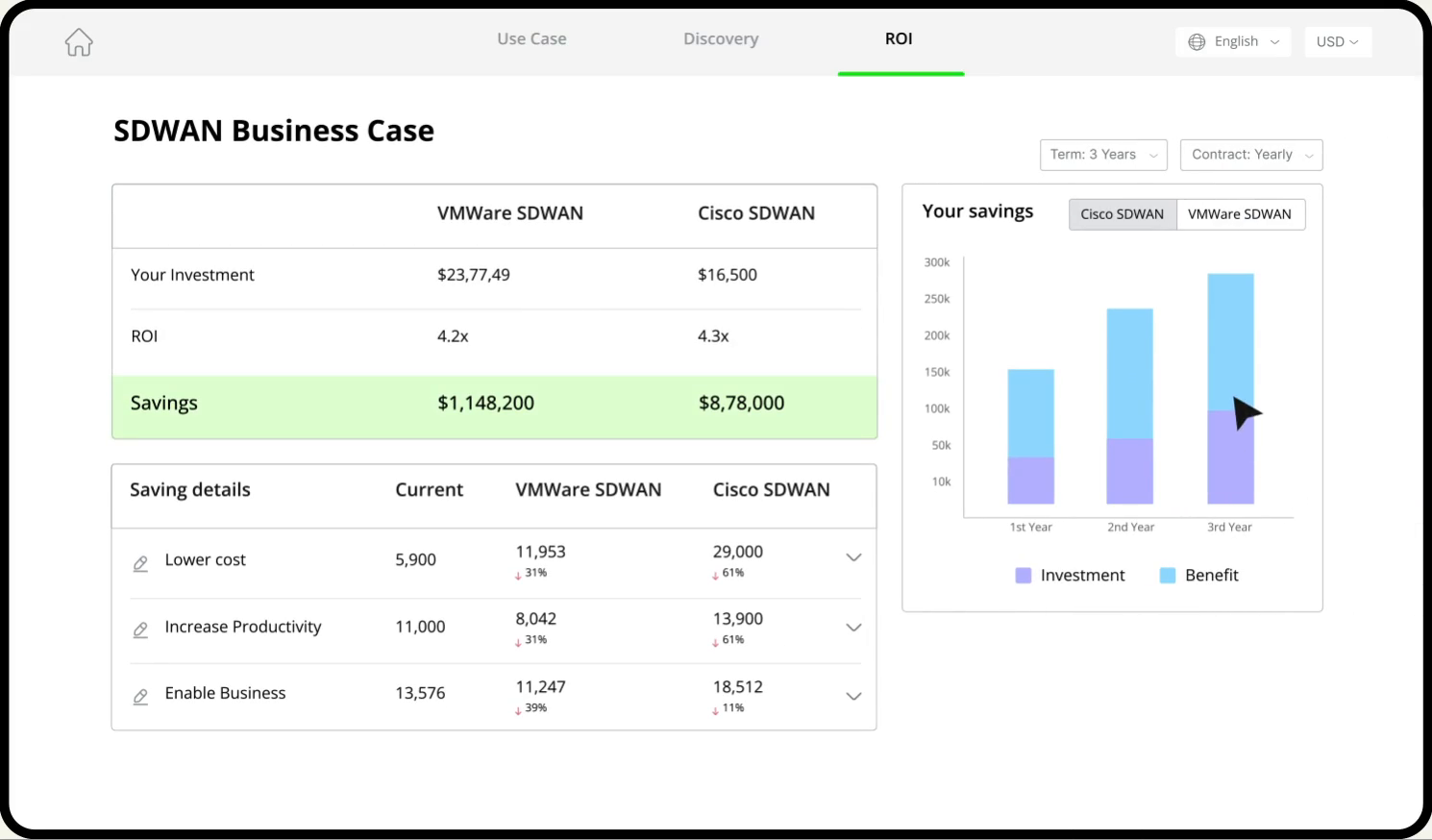
Connect the proposed approach to a customer-specific financial model and investment case.
Explore Business Case Generator →Combine discovery, product exploration and configuration in a customer-facing buying experience.
Explore Business Marketplace →It helps customers see how your products and services would work in their situation. It can show their current setup, the proposed solution, the components involved and what would change.
Yes. You can build connected before-and-after views around the customer’s requirements. Highlight what stays, what changes and how the new components, processes and integrations work together.
Software, AI products, cloud services, networks, security and combined portfolios. The application is tailored to the scenarios, choices and level of detail your buyers need.
Use the built-in AI workflow to draft the experience from your solution material. Your team reviews the components, configuration rules, diagrams and explanations before publishing.
It can explain the design in the context of the customer’s needs, suggest relevant configurations and answer questions about what changes. It uses your approved information and keeps specialist review in the journey.
Yes. The application can be designed to update the visual when customers change requirements or select suitable options. Your team defines valid combinations, constraints and review points.
Yes. We can build around your component library, product information, icons and reference designs, using your brand and agreed configuration rules.
We agree the diagrams, summaries and document formats your buyers and sales teams need. Exports can include the proposed setup, requirements, assumptions and outstanding decisions.
Your technical specialists approve the design rules and review outputs where needed. AI drafting and visual explanation support that work; they do not provide independent architecture validation.
Yes, where the required interfaces are available. Carry reviewed requirements and components into pricing, quoting or CRM, with agreed field mapping and access controls.
Tell us about your portfolio, technical domain and the decisions your customers need to make. We can help shape the application and connect it to the way you sell.